
Quick Answer
Use the Alaska Corporations Database to run an Alaska entity search by entity name or entity number. The database is maintained by the Alaska Division of Corporations, Business and Professional Licensing and is the official starting point for checking entity details, status, and records available online. A clear search is only a preliminary screening result; Alaska makes the final name decision when it reviews a filing or reservation request.
How to Search the Alaska Corporations Database
Alaska’s corporation search is direct: open the official database, enter an entity name or number, and review the state results. The broader Corporations page also links to reports, forms, fees, compliance checks, and document resources.
Access the Search Portal
Go to the Corporations, Business, and Professional Licensing search page at https://www.commerce.alaska.gov/cbp/main/search/entities.
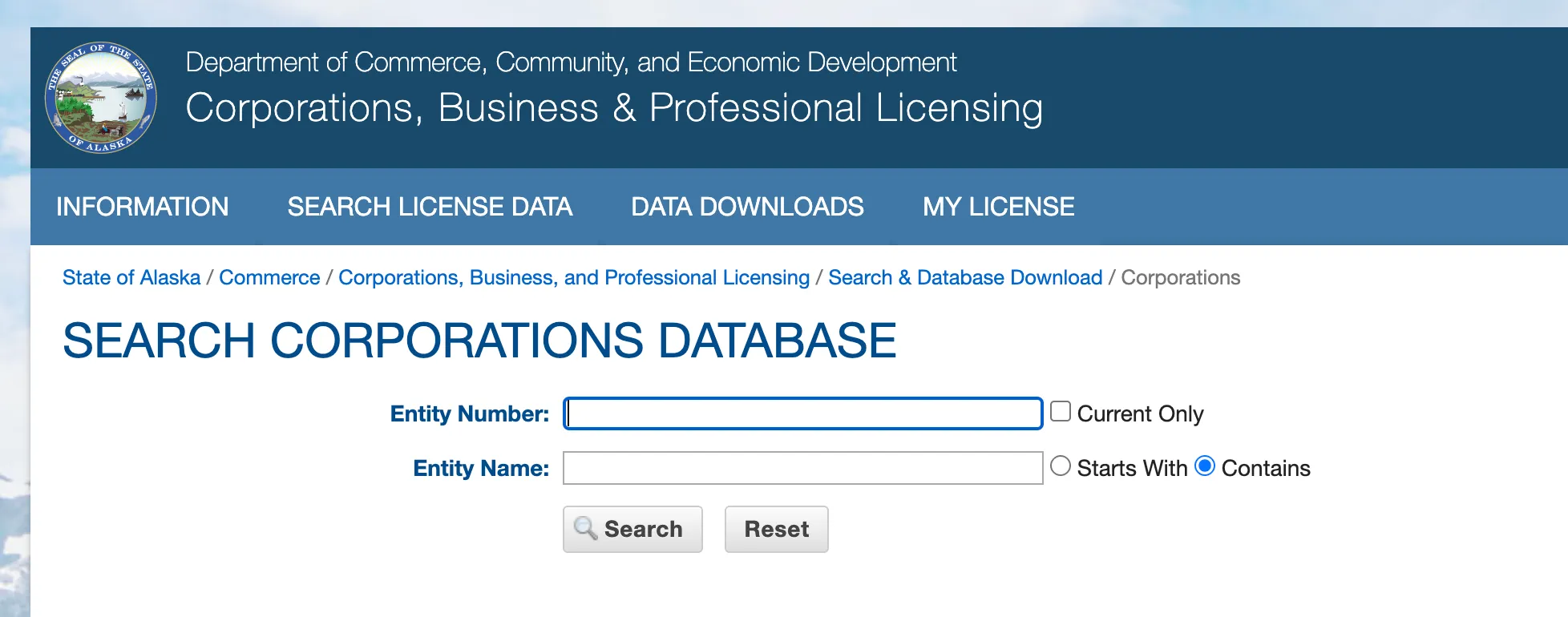
Enter Your Search Parameters
Search by Entity Number or Entity Name. Type the entity number or any part of your desired business name. Click the “Search” button to view the results on the next page.
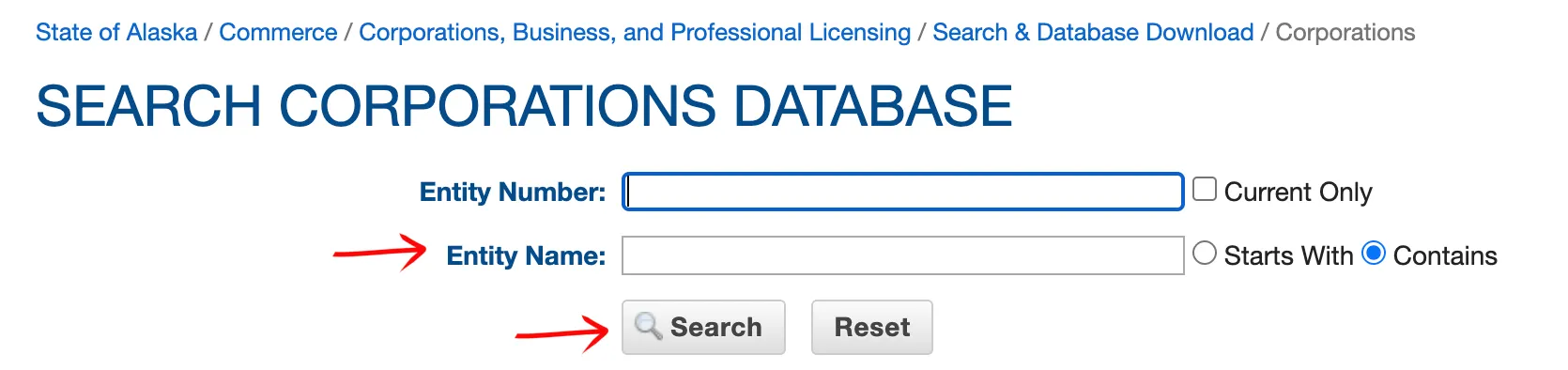
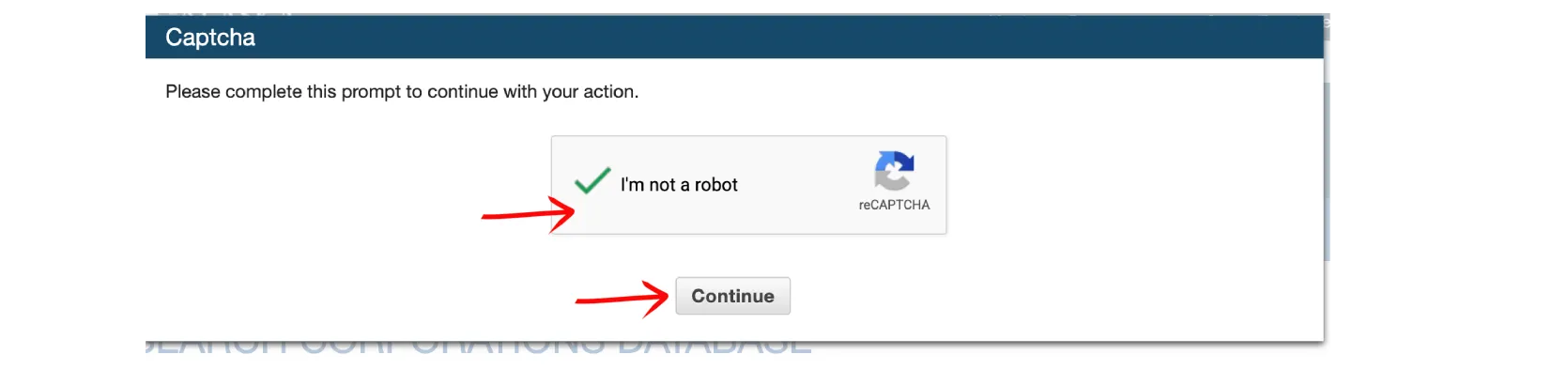
Complete Security Verification
Click the check box to prove you are human. Select the “Continue” button.
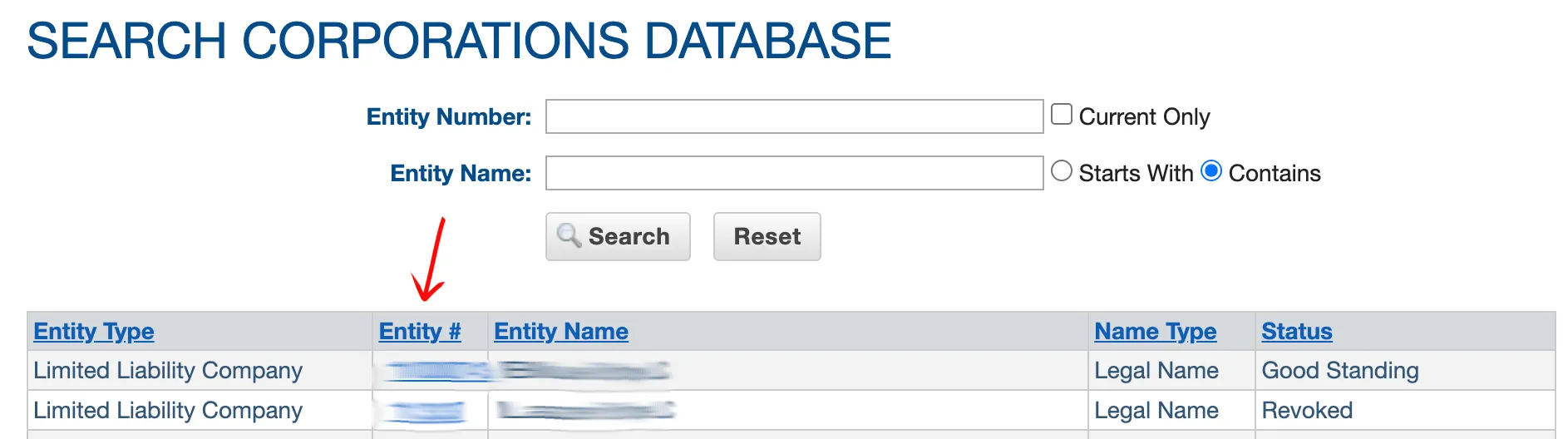
Review the Results
The business results page displays all matching entities. The available details include:
- Entity Type (corporation, LLC, partnership, etc.)
- Entity Number (#)
- Entity Name
- Name Type
- Entity status (good standing, dissolved, etc.)
Click on the six digit Entity Number (#) to view the information card for a specific entity.
View Entity Information
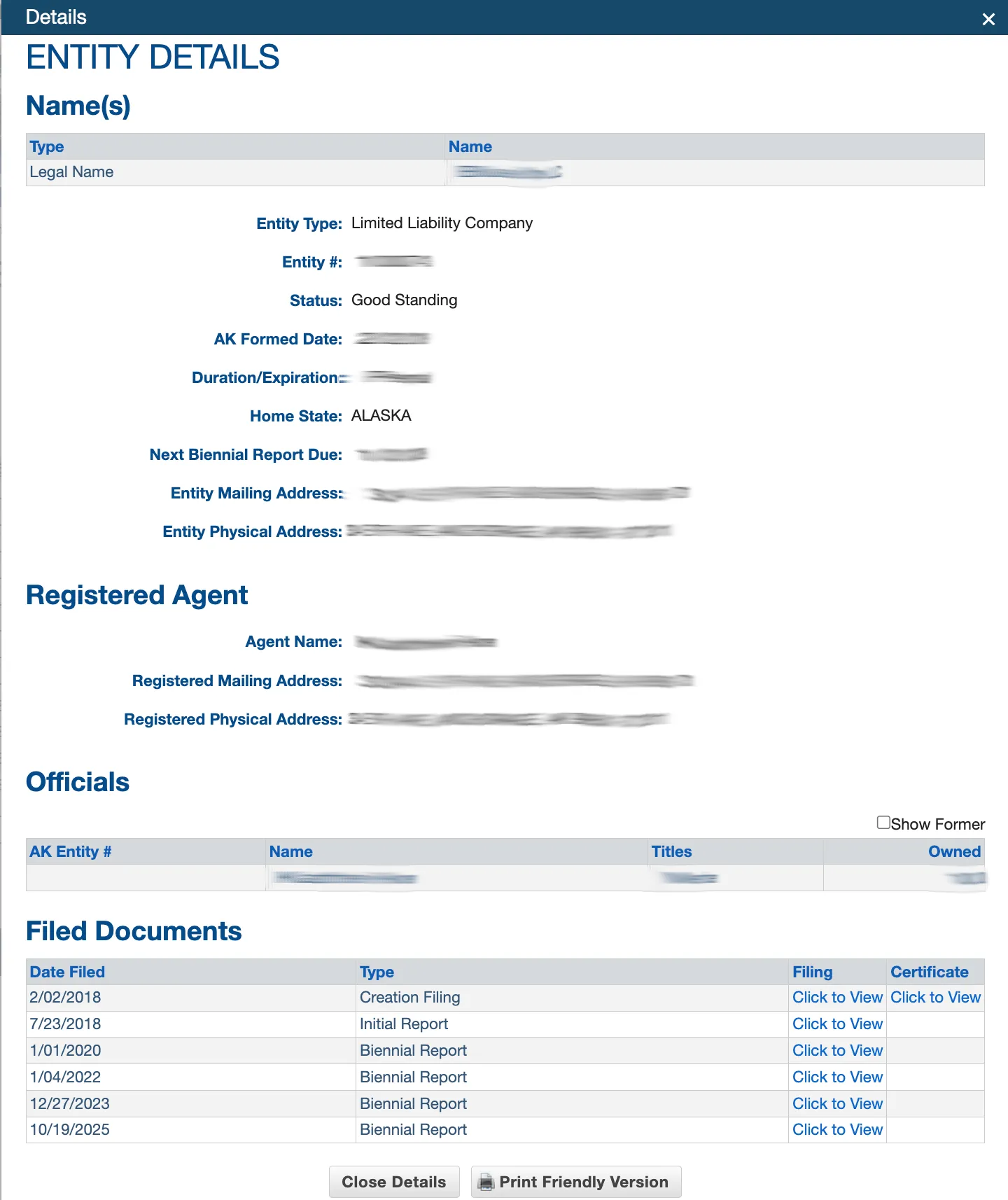
The data card displays all available information about the entity. This includes:
- Entity Type
- Entity Number
- Entity Status
- Formation Date
- Duration / Expiration
- Home State
- Next Biennial Report Due
- Mailing Address
- Physical Address
- Registered Agent Name
- Registered Agent Mailing Address
- Registered Agent Physical Address
- Officials (owner’s names, titles, and ownership)
- Filed Documents Date Files
- Document Type
- Certificate (if any)
The final column of the “Filed Documents” table provides a link to view a PDF of the document if available. Select this link to open the PDF. You can also close the window or print a copy of the entity details using the buttons at the bottom of the page.
A no-match search result is only a preliminary screening signal. Verify the proposed name in the Alaska Corporations Database and wait for the state filing or name-reservation review before treating the name as accepted.
If the search results return no close matches for Alaska, treat that as a preliminary screening signal only. Verify the name in the official state database, and wait for the state filing or name-reservation review before treating the name as accepted.
How to Interpret Alaska Results
An Alaska entity result can help you identify whether a business already exists, whether a record is active, and what filings or documents may be available. For name planning, review exact matches and similar names carefully. A search result page is useful research, but it is not a formal state approval of a new business name.
If you are reviewing an existing company, use the entity detail page rather than the result list alone. Alaska’s Corporations page states that users should search the Corporations Database for entity details and status.
Alaska Business Name and Filing Notes
The Alaska forms and fees page lists a $250 fee for a domestic Limited Liability Company Articles of Organization filing. Alaska also notes that many online filings post immediately, while hardcopy filings can be subject to processing times.
For name planning, search the official database first, then verify requirements on the state forms and fees pages before filing. If you are forming an Alaska LLC, also check whether an initial report or biennial report applies after creation.
Common Mistakes
- Treating a broad name search as a formal name reservation.
- Checking only exact matches and missing similar existing entities.
- Using a third-party database instead of the official Alaska Corporations Database.
- Forgetting to review entity detail pages and available filed documents.
Sources Reviewed
Search beyond Alaska
Company names are registered state by state, so a name that is taken in Alaska may still be available elsewhere. The Secretary of State business search directory lists the official registry, agency contacts, and filing fees for all 50 states, the free LLC lookup guide covers name checks and LLC record details in every state, and our guide to nationwide business entity search explains how to check several states at once.
Registering in a nearby state instead? See the Washington business entity search guide.