
Quick Answer
Use the Wisconsin Department of Financial Institutions Corporate Records search to run a Wisconsin entity search by business name. Start with the main search box for a broad lookup, or use Advanced Search for exact-phrase matching, current or old names, entity status, entity type, or registration-date filters. A search result is only a preliminary records check; Wisconsin DFI says a name should not be treated as available until the formation filing or name-change amendment is accepted for filing.
How to Search Wisconsin Business Entity Records
The Wisconsin Department of Financial Institutions maintains searchable corporate records for Wisconsin business corporations, LLCs, limited partnerships, LLPs, cooperatives, nonstock corporations, and qualified foreign entities.
Access the Corporate Records Search
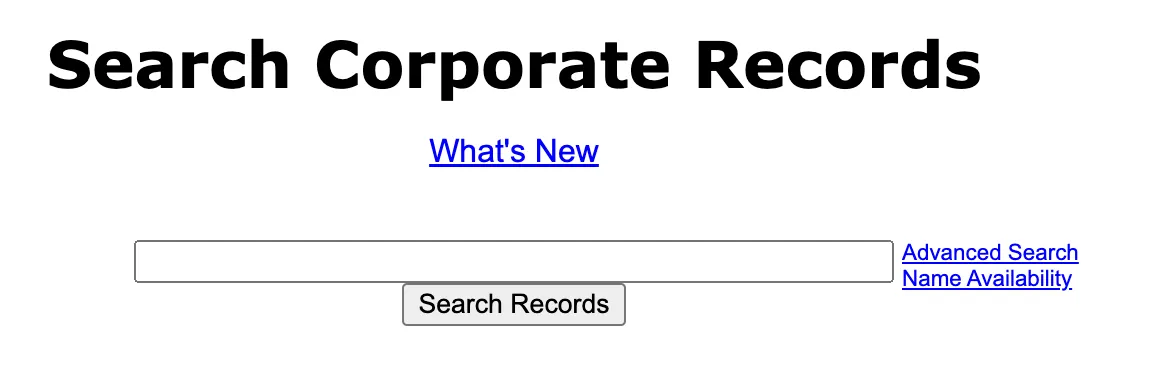
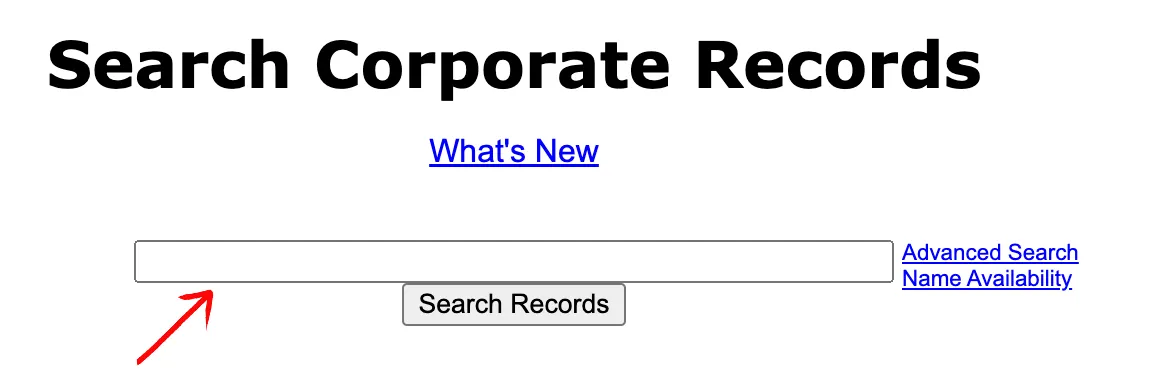
Go to the Wisconsin Department of Financial Institutions Corporate Records search page. The opening screen shows one search box, a Search Records button, an Advanced Search link, and a Name Availability link.
Run a Basic Name Search
Type the business name or distinctive phrase into the main text box, then select Search Records. For an initial conflict check, search the core words of the name instead of relying only on the exact full legal name.
Use Advanced Search Filters
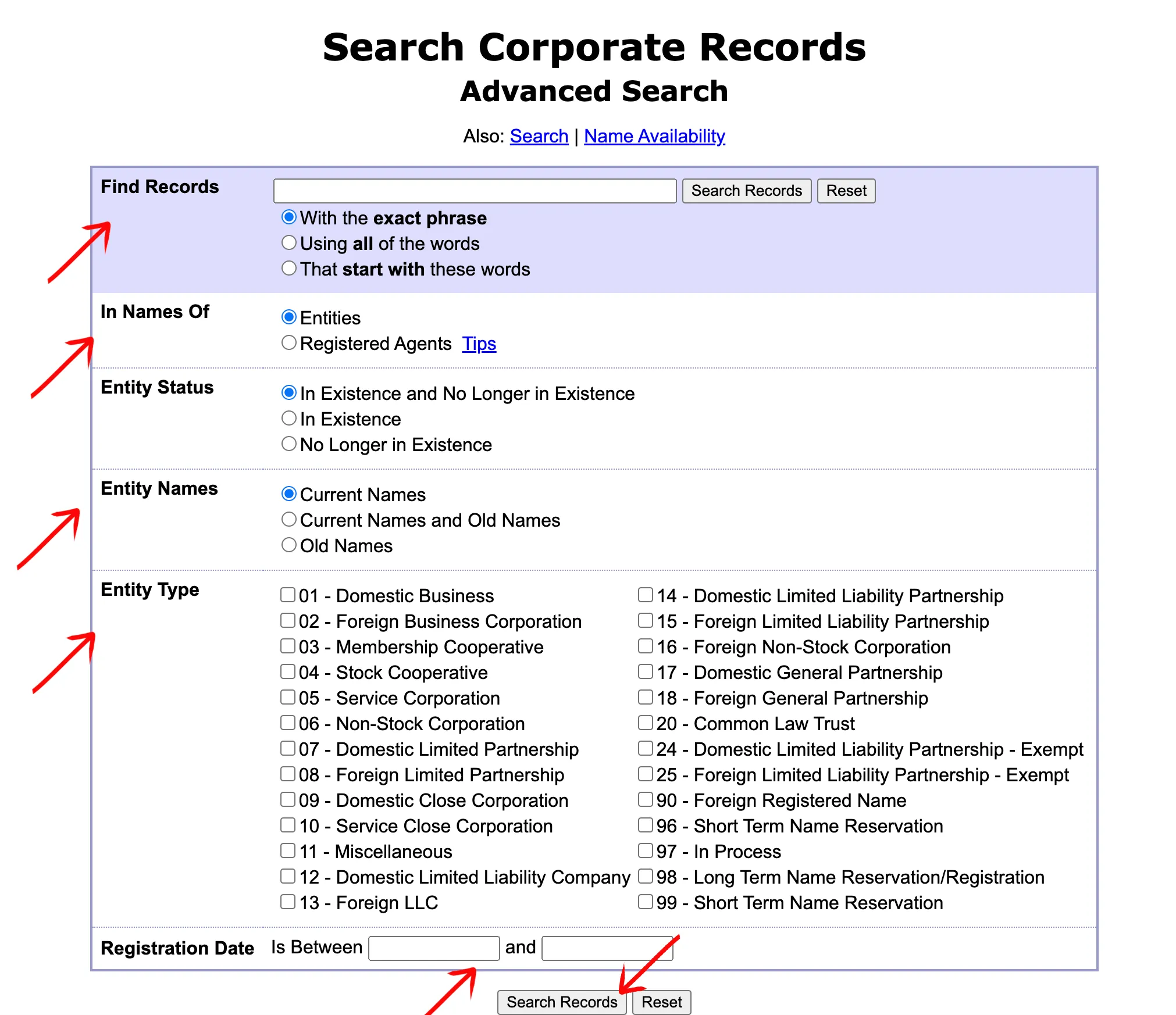
Select Advanced Search when you need a more controlled lookup. The advanced form lets you enter the phrase to find and choose whether records must match With the exact phrase, Using all of the words, or That start with these words.
You can also choose whether to search Entities or Registered Agents, include active and inactive records or only one status group, search Current Names or old names, limit by entity type, and apply a registration-date range. Select Search Records after setting the filters.
Review the Corporate Records Table
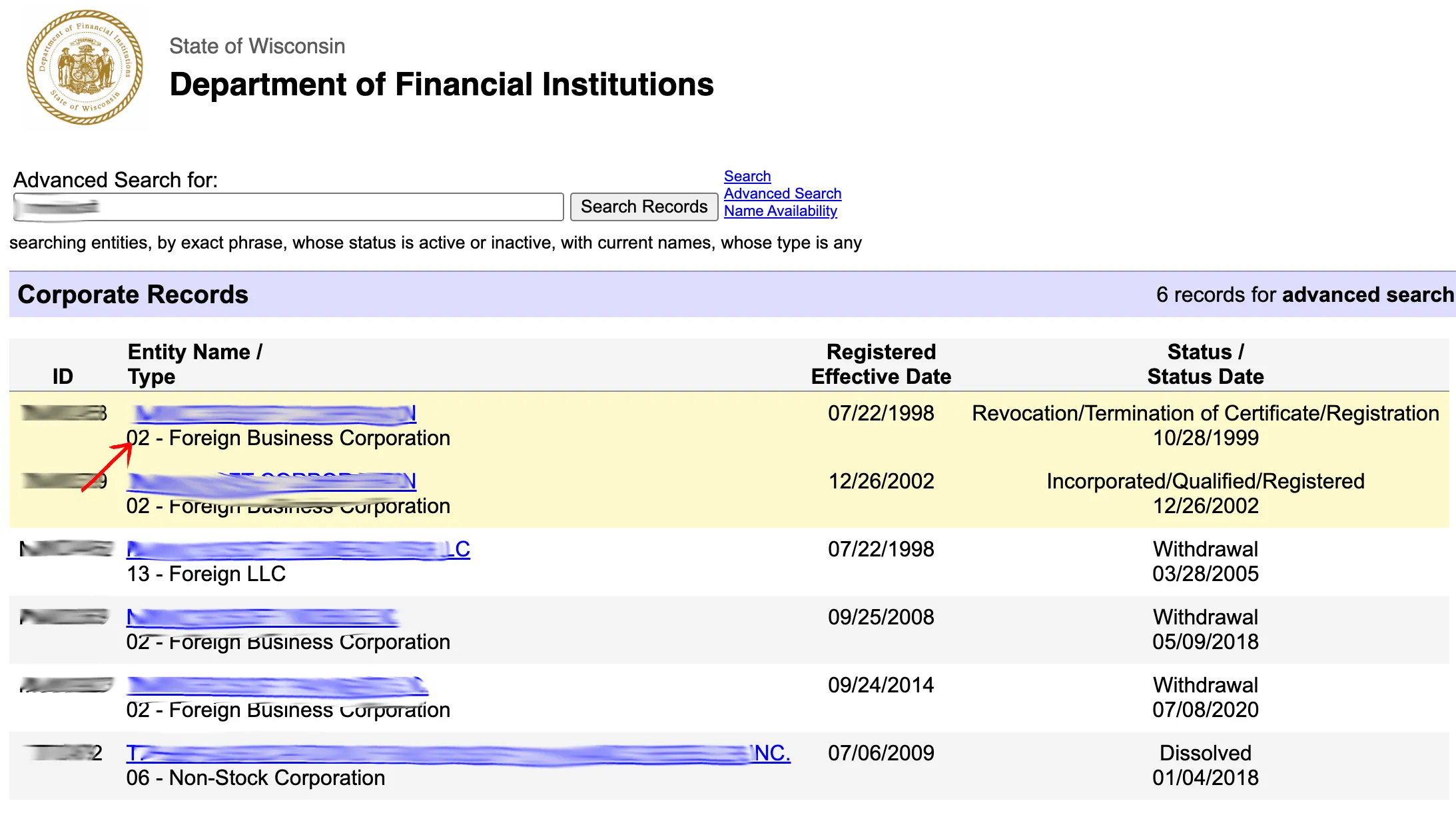
Review the Corporate Records table. The results list shows the entity ID, Entity Name / Type, Registered Effective Date, and Status / Status Date. Click the linked entity name to open the full record.
Read the Entity Record
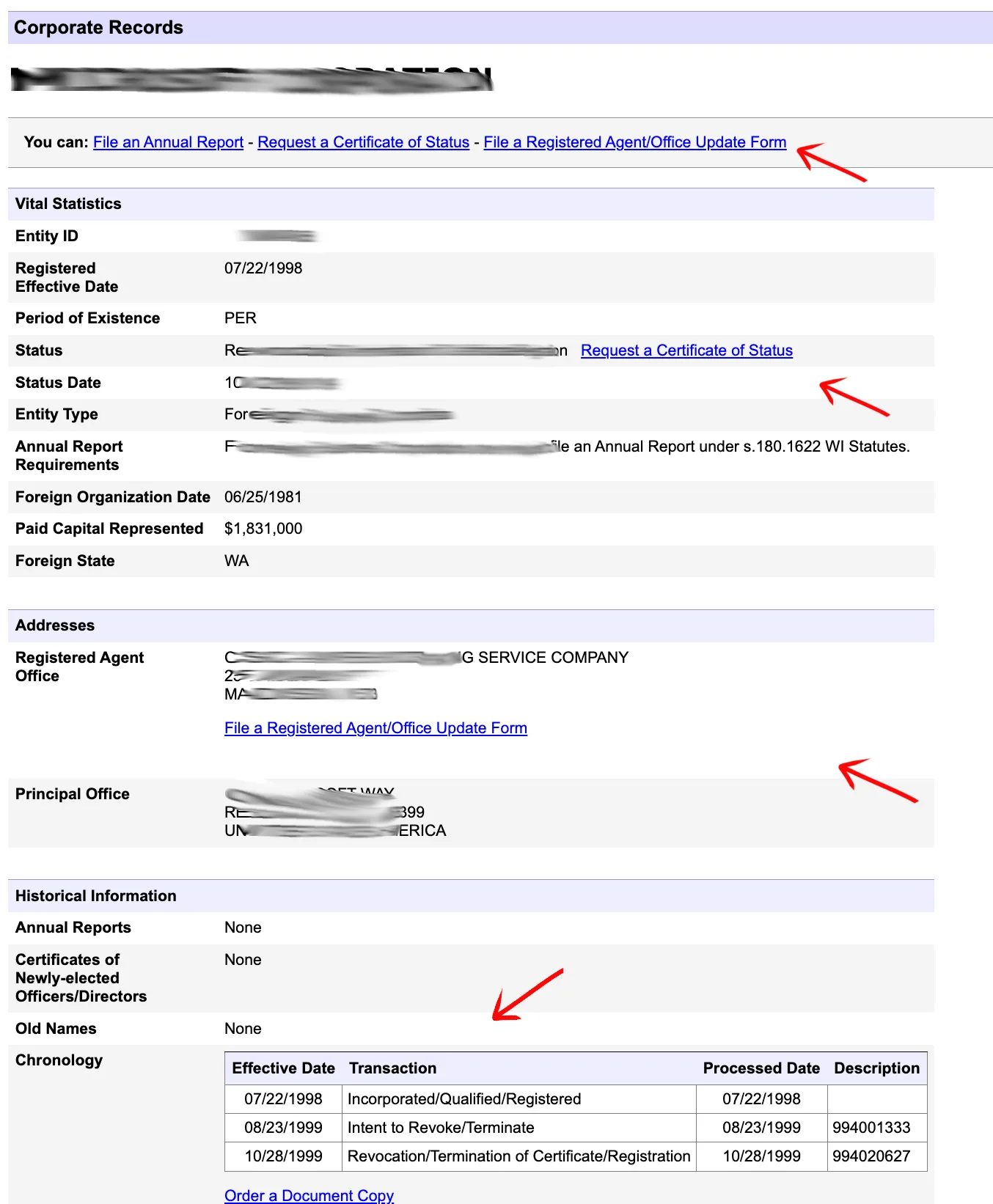
On the record page, review the action links at the top, including File an Annual Report, Request a Certificate of Status, and File a Registered Agent/Office Update Form when they are available for that entity.
The record detail page includes Vital Statistics such as Entity ID, registered effective date, period of existence, status, status date, entity type, and annual report requirements. It also lists addresses such as registered agent office and principal office, plus historical information including annual reports, certificates of newly elected officers or directors, old names, chronology, and document-copy ordering links.
If the search results return no close matches for Wisconsin, treat that as a preliminary screening signal only. Verify the name in the official state database, and wait for the state filing or name-reservation review before treating the name as accepted.
How to Interpret Wisconsin Results
A Wisconsin entity search can return several status and transaction signals:
- Incorporated / Qualified / Registered: The entity has been created or registered and is current with its report filings.
- Delinquent / In Bad Standing: The entity is not current with annual report filings. A delinquent status can lead to administrative dissolution if not cured.
- Dissolved / Administratively Dissolved / Revoked or Terminated: The entity is no longer in regular active standing, but the name may still require careful review before a new filing.
- Entity Type Codes: Wisconsin uses numeric record-type codes. For example, type 12 is a domestic limited liability company and type 13 is a foreign LLC.
Do not assume that no visible exact match means the name is officially available. Wisconsin DFI states that name search results are tentative and that final confirmation comes only after the department examines and accepts the relevant filing.
Wisconsin Business Name and Filing Notes
Review these Wisconsin-specific filing details before relying on a search result:
- LLC Filing Fees: Wisconsin DFI lists domestic LLC Articles of Organization at $130 online or $170 by paper filing.
- Name Reservation: Wisconsin name reservation is available for $15. Reserved-name records can appear in the corporate records system.
- Annual Reports: Wisconsin LLCs must file annual reports. For domestic entities, the report is due during the calendar-year quarter in which the registration anniversary date occurs. DFI lists LLC annual reports at $25 online or $40 by paper filing.
- Foreign LLCs: Wisconsin DFI lists foreign LLC registration at $100+. Foreign entities generally deliver annual reports in the first calendar quarter after the year they become registered to transact business in Wisconsin.
Common Mistakes
- Skipping Advanced Search: The basic search is useful, but Advanced Search is better when you need exact-phrase matching, old-name searching, active/inactive status filters, or a specific entity type.
- Ignoring Old Names and Reserved Names: Wisconsin’s advanced form can search current names, old names, and reserved-name record types. A narrow current-name search may miss a relevant conflict.
- Reading Status as Name Approval: Status values explain the record’s standing and history. They do not independently approve a new business name.
- Missing Annual Report Timing: Domestic Wisconsin entities file in the anniversary quarter, while foreign entities generally file in the first calendar quarter. Missing reports can create delinquent or bad-standing statuses.
- Treating a Verbal or Search Result as Final: Wisconsin DFI warns that name availability can change and that no name should be assumed available until the filing is accepted.
Sources Reviewed
- Wisconsin DFI Corporate Records Search
- Wisconsin DFI Business Entity Fees
- Wisconsin DFI Business Entity File Online
- Wisconsin DFI Business Entity FAQ
- Wisconsin DFI Business Entity General Information
Search beyond Wisconsin
Company names are registered state by state, so a name that is taken in Wisconsin may still be available elsewhere. The Secretary of State business search directory lists the official registry, agency contacts, and filing fees for all 50 states, the free LLC lookup guide covers name checks and LLC record details in every state, and our guide to nationwide business entity search explains how to check several states at once.
Registering in a nearby state instead? See the Illinois business entity search, Minnesota business entity search, and Michigan business entity search guides.