
Quick Answer
Use the Idaho Secretary of State SOSBiz Business Search to run an Idaho entity search by business name or file number. Start with a broad name search, use advanced filters when you need registered agent, active-only, or filing-date limits, and open the entity record before relying on the result. SOSBiz search results are preliminary public-record research; final name approval comes from the Secretary of State when a filing or reservation is reviewed.
How to Search Idaho Business Entity Records
Idaho business entity records are searched through SOSBiz, the Secretary of State’s online business services portal. The public search screen accepts a business name or file number and can be expanded with advanced search options.
Access the Business Search Portal
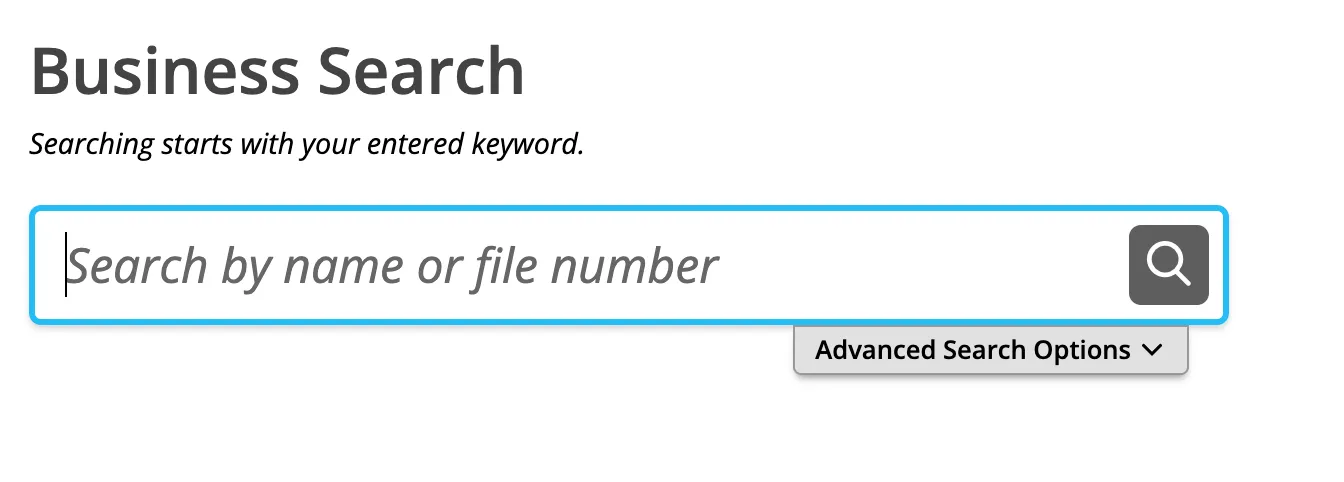
Go directly to the Idaho Secretary of State SOSBiz Business Search page at https://sosbiz.idaho.gov/search/business. The search box is labeled for a name or file number, so you can begin with either a business name keyword or a known record identifier.
Run a Standard Search
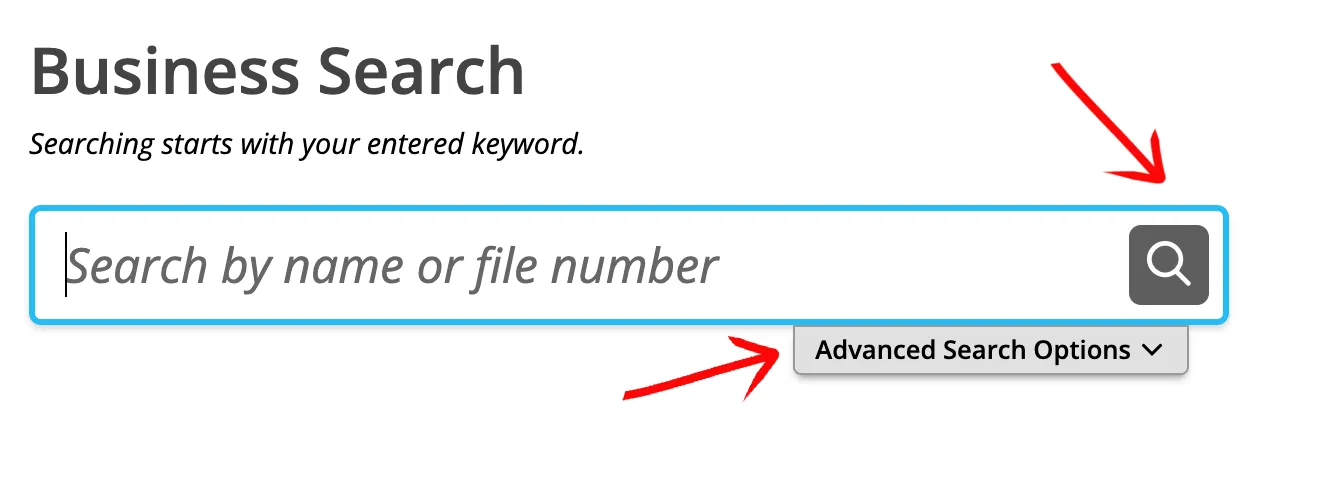
Type at least part of the business name into the search box, then select the magnifying glass icon. For availability research, start with the core wording of the name before adding an entity ending such as LLC, Inc., Corp., or Company. A broader search helps reveal similar records that an exact search may miss.
Use Advanced Search Filters
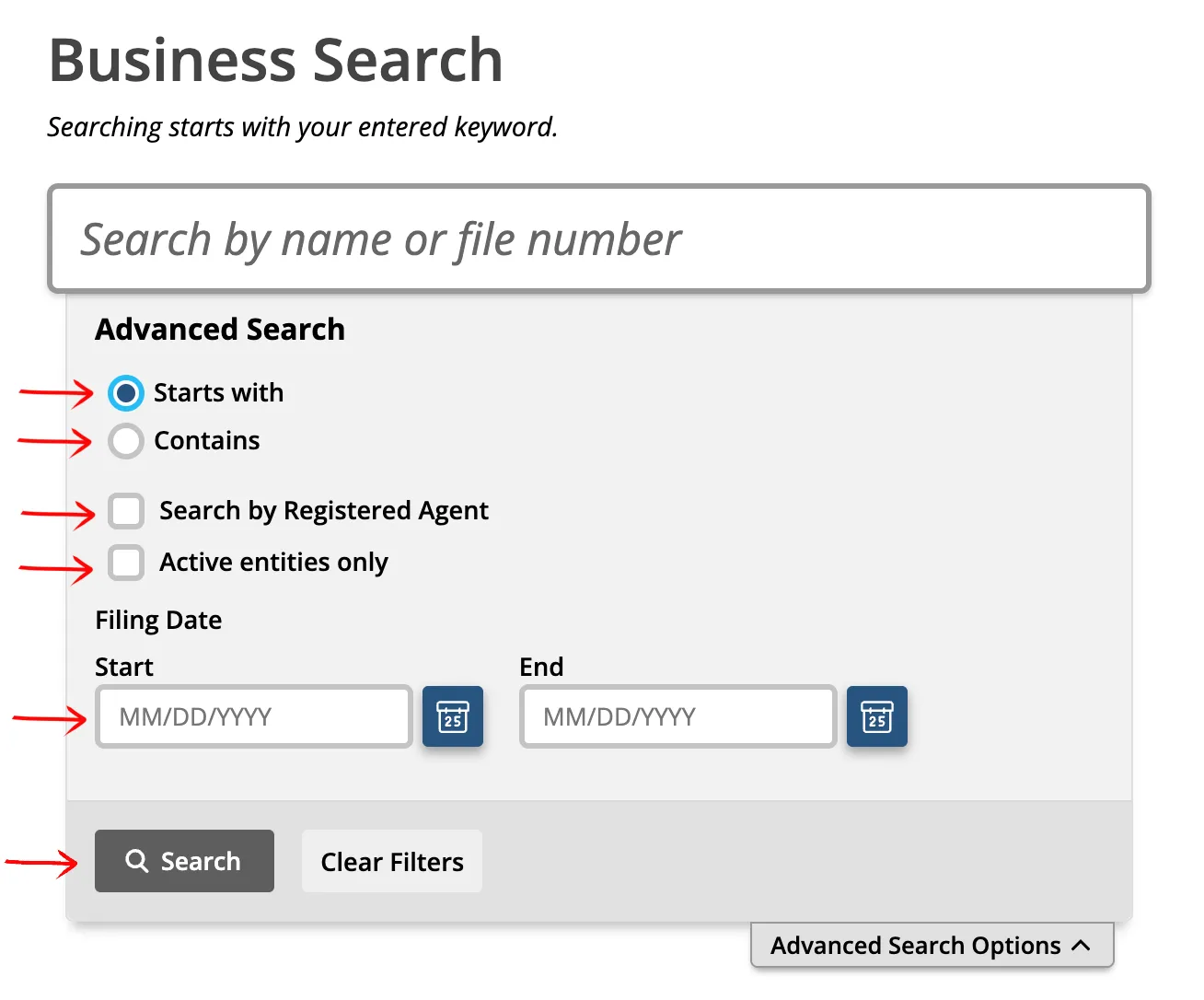
Open “Advanced Search Options” when you need more control over the query. SOSBiz provides these filters:
- Starts With
- Contains
- Search by Registered Agent
- Active entities only
- Filing Date start and end fields
For most business name checks, run more than one search. “Starts With” can be helpful when you know the beginning of the proposed name, while “Contains” can reveal records that place the same keyword later in the name.
Review Matching Entities
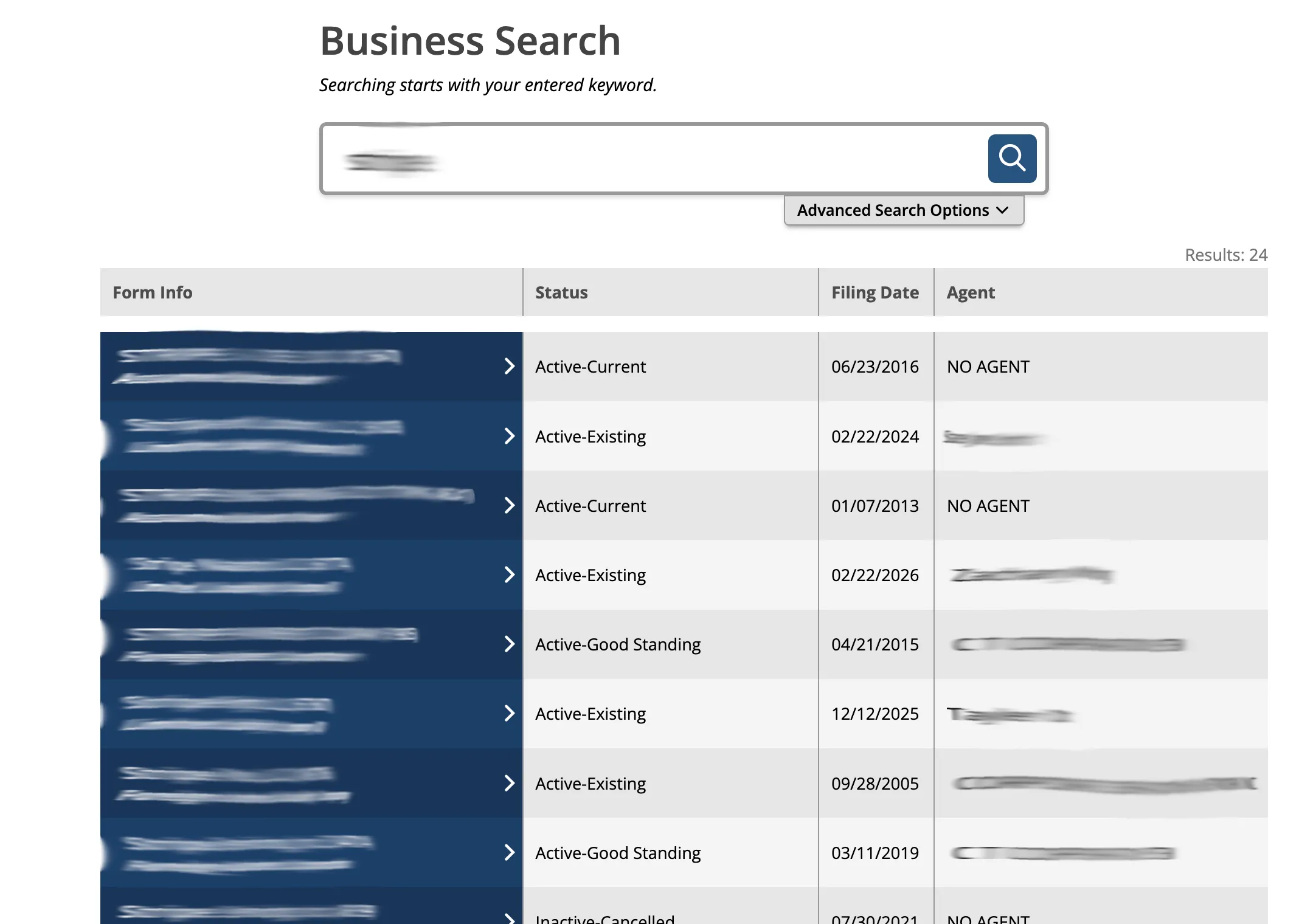
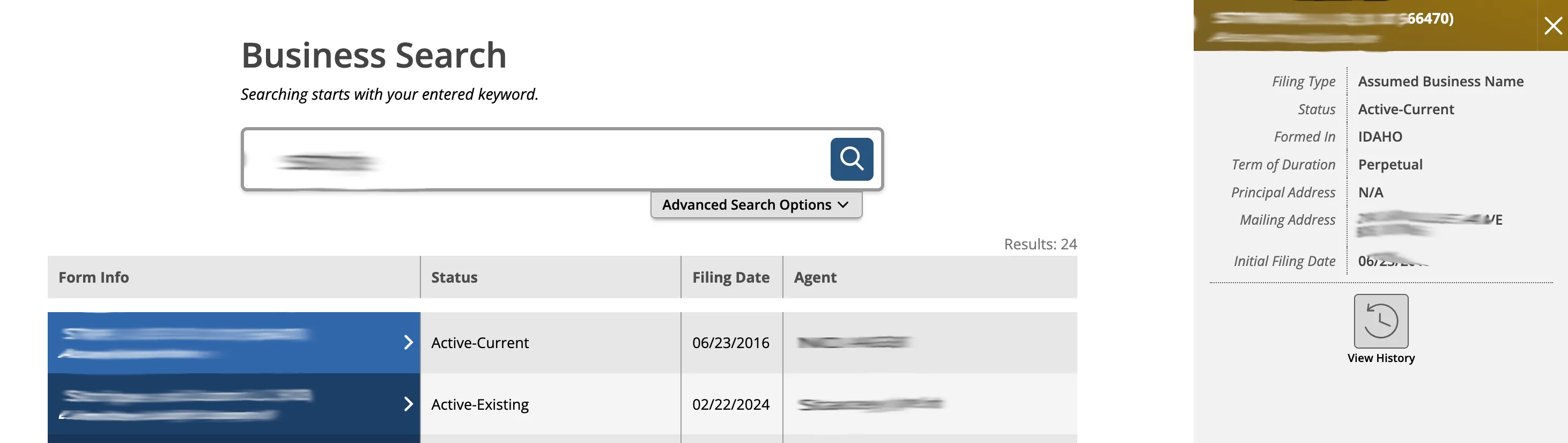
The results table lists matching records with these columns:
- Form Info
- Status
- Filing Date
- Agent
Select the record in the “Form Info” column to open the entity details panel. Pay close attention to status labels such as Active-Current, Active-Existing, Active-Good Standing, or Inactive-Cancelled. A status label helps you interpret the record, but it does not by itself decide whether your proposed name will be accepted.
Examine the Entity Record
The entity details panel appears next to the search results. Depending on the record type, it can show:
- Filing Type
- Foreign Name
- Status
- Formed In
- Term Of Duration
- Principal Address
- Mailing Address
- Initial Filing Date
- AR Due Date
- Commercial Registered Agent
The panel may also provide actions such as “Request Certificate” and “View History.” Use the history view when you need to understand filing changes before relying on a record.
If the search results return no close matches for Idaho, treat that as a preliminary screening signal only. Verify the name in the official state database, and wait for the state filing or name-reservation review before treating the name as accepted.
How to Interpret Idaho Results
An Idaho entity search result should be treated as public-record research, not as a final decision on whether the name is available. Compare exact matches, close spelling variations, abbreviations, punctuation differences, and names that differ only by entity ending. A “no results” search can be a useful signal, but it does not guarantee that the Secretary of State will approve the name.
Idaho SOSBiz can show several status labels in the results table. Active records generally deserve the closest review because they are currently on file. Inactive records can still matter for research, especially when the core wording is close to your proposed name or when you need filing history.
Idaho Business Name and Filing Notes
Idaho’s Certificate of Organization form for a domestic LLC lists a $100 base filing fee. Paper/manual processing can add an additional $20, and the form instructions advise checking whether the name is available before filing. The same form notes that an Idaho LLC name must include words or abbreviations such as “Limited Liability Company,” “Limited Company,” “L.L.C.,” “LLC,” or “LC.”
Idaho also offers an Application for Reservation of Legal Entity Name. The official reservation form states that a name reservation lasts four months and that a reservation is not necessary if formation documents are being filed at the same time. Use a reservation when timing matters or when you need to hold a name before filing the entity.
The reservation itself is a $20 base filing fee, so holding a name costs a fifth of forming the entity.
Annual report reminders and business filing management are handled through SOSBiz. Two details matter when you are reading someone else’s Idaho record:
- The annual report is due by the end of the entity’s anniversary month, so two Idaho businesses formed in different months have different deadlines. There is no single statewide filing date to check against.
- Idaho does not charge a fee for the annual report. A lapsed Idaho entity did not lapse over money, which makes an inactive status more likely to reflect an abandoned business than a missed payment.
If you are maintaining an existing entity, make sure the SOSBiz account is associated with the business before relying on dashboard filing options.
Common Mistakes
- Searching only the exact proposed name and missing close Idaho records.
- Adding “LLC” or another entity ending before checking the core name wording.
- Treating a no-result search as official name approval.
- Ignoring the “Contains” search option when a keyword may appear later in the entity name.
- Reading the results table without opening the entity detail panel.
- Assuming an inactive record is irrelevant without checking its name history or similarity.
- Missing the extra manual-processing fee when filing by paper instead of online.
Sources Reviewed
- Idaho Secretary of State SOSBiz Business Search
- Idaho Secretary of State Business Services
- Idaho Secretary of State Business Forms
- Idaho LLC Certificate of Organization
- Idaho Application for Reservation of Legal Entity Name
- Idaho Annual Report Help
Search beyond Idaho
Company names are registered state by state, so a name that is taken in Idaho may still be available elsewhere. The Secretary of State business search directory lists the official registry, agency contacts, and filing fees for all 50 states, the free LLC lookup guide covers name checks and LLC record details in every state, and our guide to nationwide business entity search explains how to check several states at once.
Registering in a nearby state instead? See the Washington business entity search, Utah business entity search, and Montana business entity search guides.